
Does BooomKeys run on Mac?
Yes. The Mac app supports macOS 13.5 or later. There is also a Windows 10 and Windows 11 app. There is no Linux client.
MAC KEYBOARD SOUNDS
BooomKeys is a free menu-bar app for macOS 13.5 or later. It plays a sound when you press a key. The app is free; sound packs are separate one-time downloads, and two of them are free.
On a Mac, download the DMG, drag BooomKeys to Applications, then right-click the app and choose Open the first time. The current build is not code-signed, so macOS may also offer Open Anyway under System Settings, Privacy & Security. Turn on Accessibility and Input Monitoring, quit the app, and open it again. The menu-bar icon is where you pick a pack.
BooomKeys also has a Windows app. A pack you buy on this site imports into either one. This page is the Mac path: same packs, same .booomkeys file, menu bar instead of the system tray.
The app is free. A sound pack is a separate .booomkeys file. Paid packs are a one-time purchase: after Paddle confirms payment you download the file from the confirmation page, the receipt email, or My Downloads. Free packs use Get free and still need an email for delivery. Double-click the file to import it. You do not reinstall the app for the next pack.
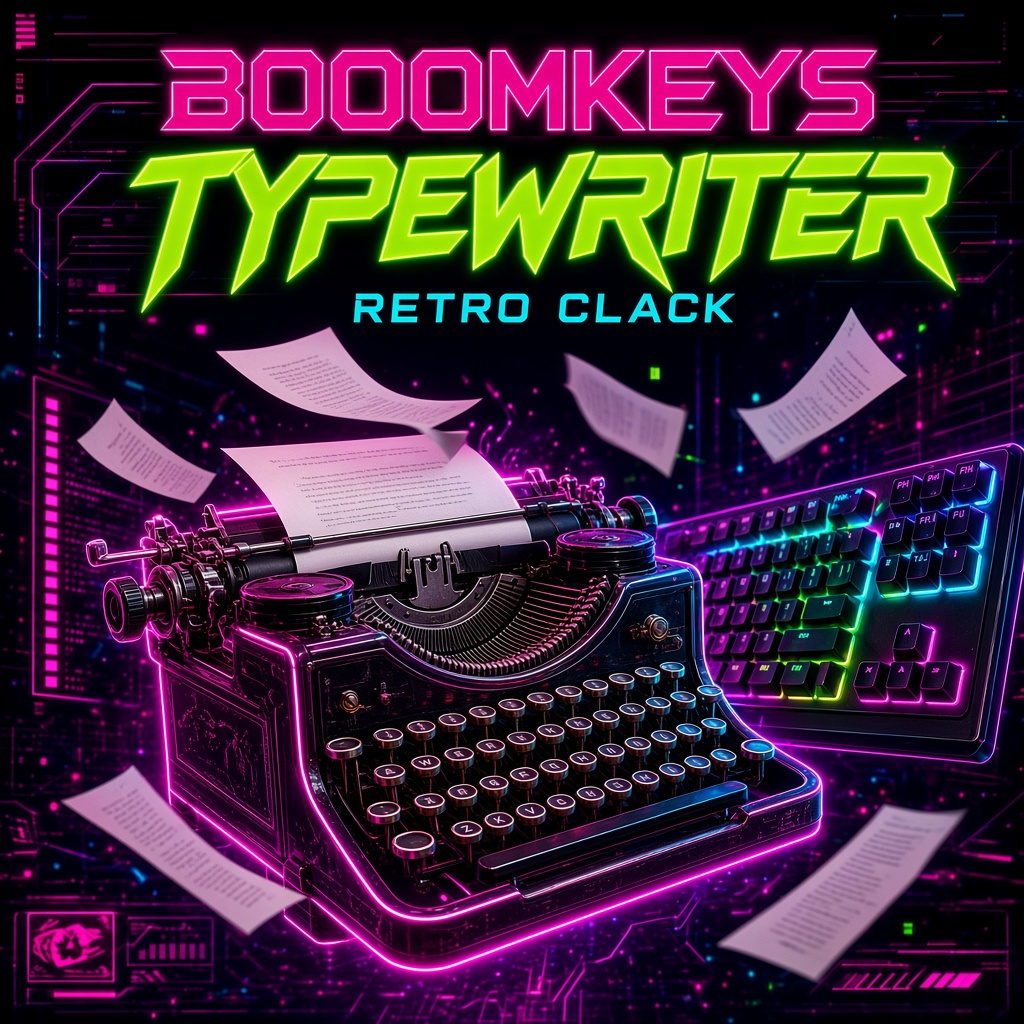
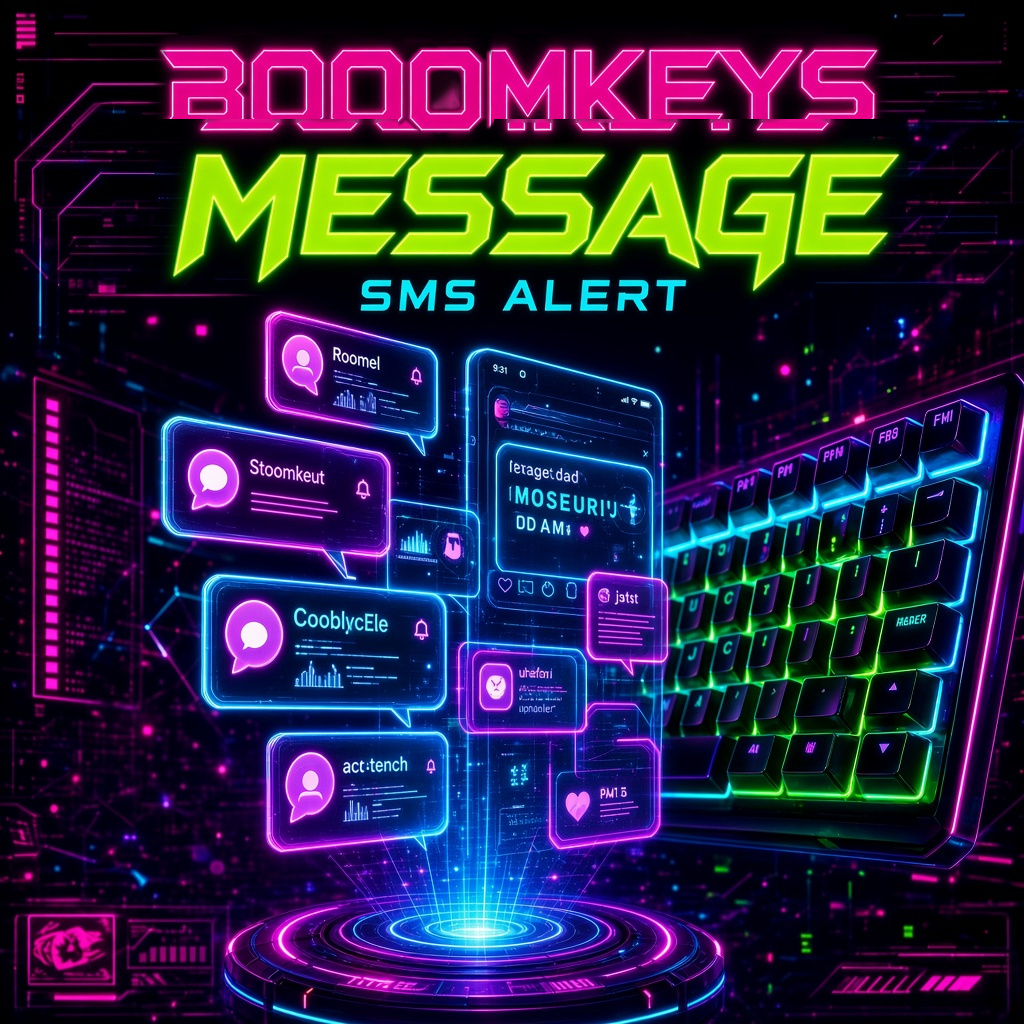
Typewriter and Message are free. Claim one with Get free, then open the file in the app. Every other pack on the store is a one-time purchase. There is no subscription for the app or for a pack.
Open a pack page to hear the preview before you pay. The preview is a short sample. The download after payment is the .booomkeys file the app imports.
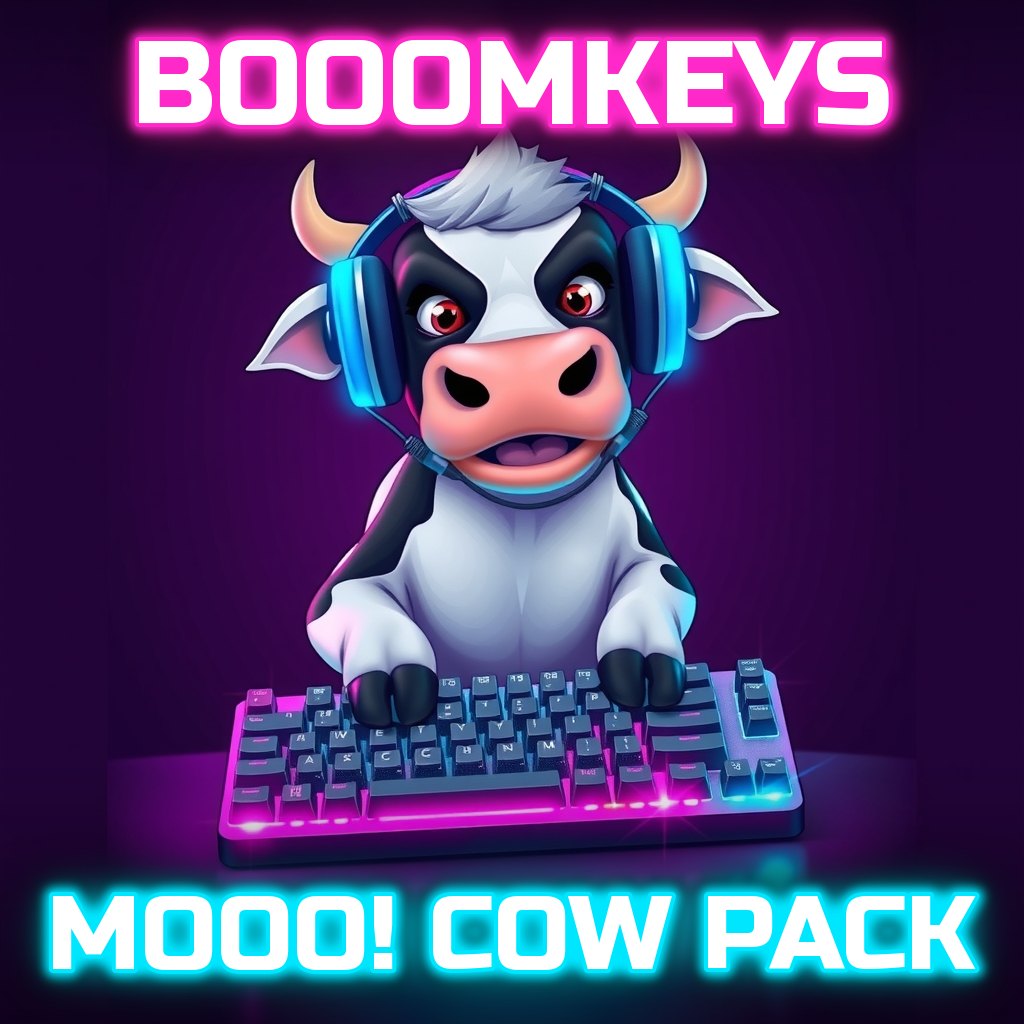
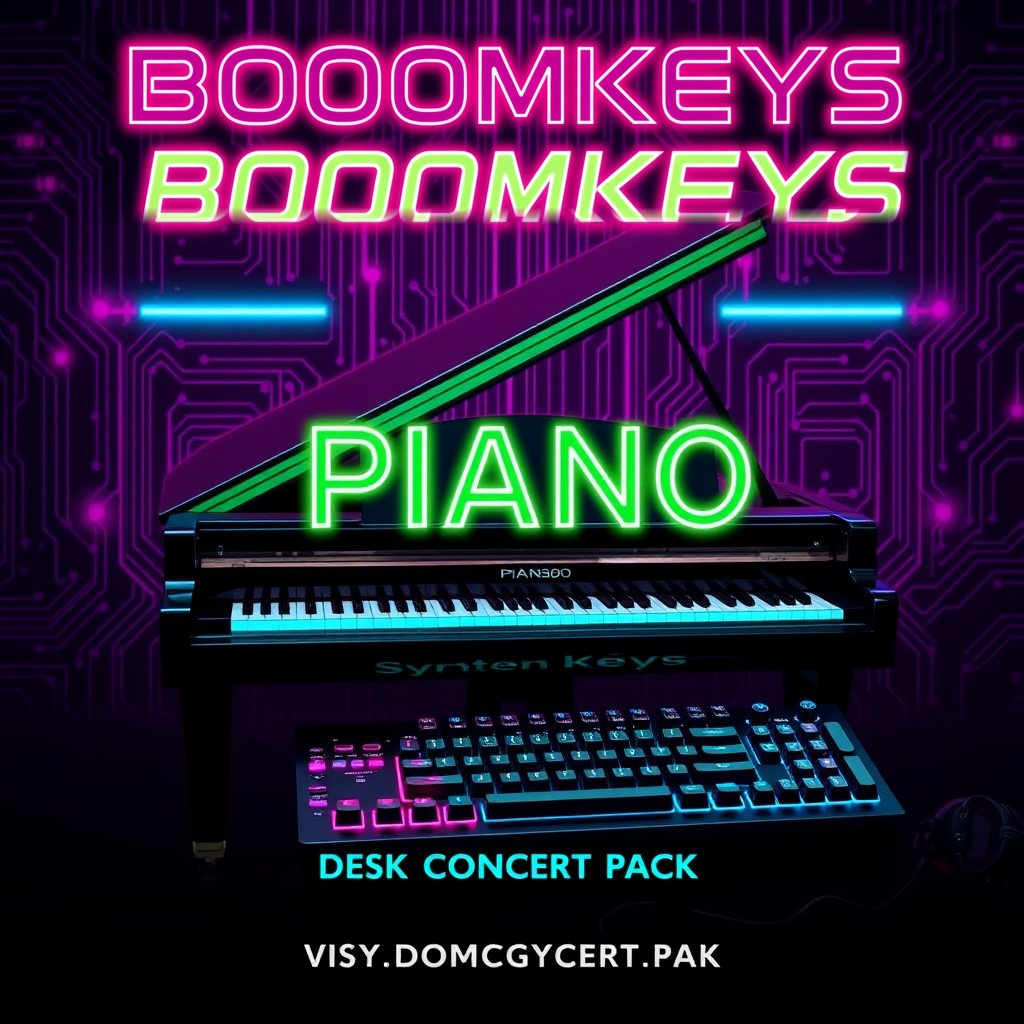
A few packs that work with the Mac app. Prices on the cards are the current store prices.
Yes. The Mac app supports macOS 13.5 or later. There is also a Windows 10 and Windows 11 app. There is no Linux client.
The app is free. Sound packs are separate. Typewriter and Message are free downloads. Other packs are a one-time purchase.
Install BooomKeys once. Download the .booomkeys file, then double-click it. The app imports the pack. Pick it from the menu-bar icon.
No. The app listens for key presses through macOS Accessibility and Input Monitoring. It works with a laptop keyboard or a USB keyboard. It does not replace the keyboard firmware.